Creating a data story with Lapis is simple.
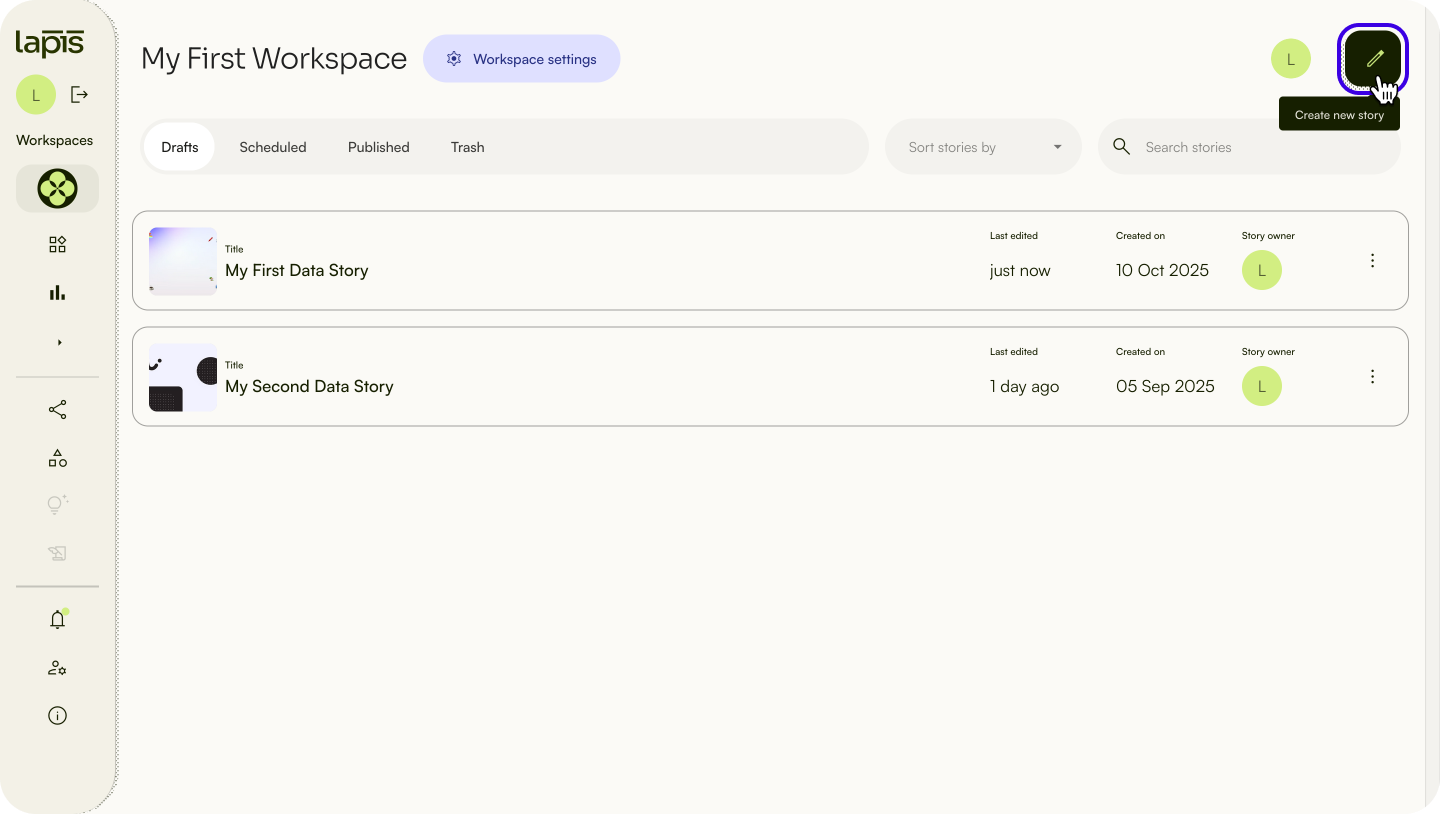
To create a new story, click the pencil icon on the upper right in your Workspace.
There are two ways to create a story:
Use a full story templates to structure your story. Learn more about templates here.
- Start with a blank canvas to customise your story layout.
Use content blocks to build your story. Content blocks can contain text, images, quotes and more. Read more about content blocks.
Next, learn how to use the Storybuilder to create your story.
| Last article: Customise, edit & delete your Workspace | Next article: Using Storybuilder |
Lapis is built by Kontinentalist↗, a data storytelling studio in Singapore.
Was this article helpful?
That’s Great!
Thank you for your feedback
Sorry! We couldn't be helpful
Thank you for your feedback
Feedback sent
We appreciate your effort and will try to fix the article