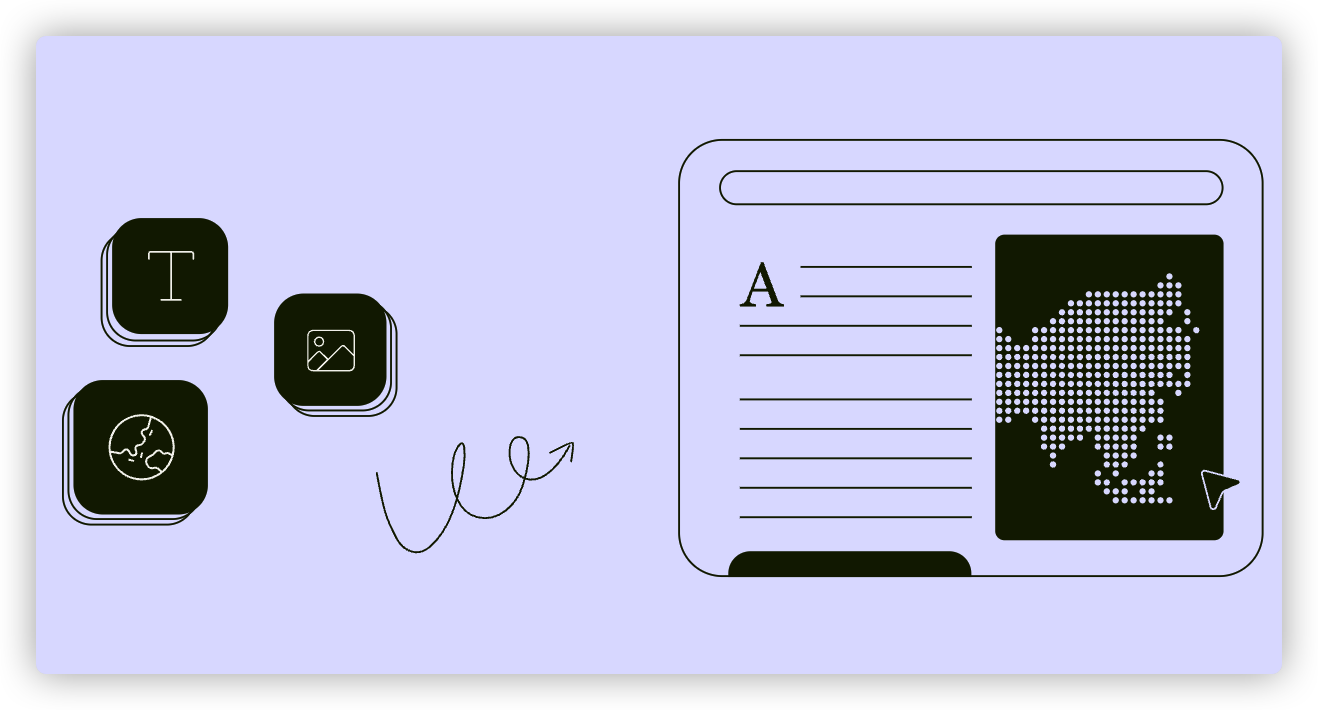
Storybuilder is your canvas. Here, you'll transform your ideas into beautiful, compelling data stories using content blocks. Content blocks can contain text, images, data visualisations, code embeds and more.
First, let's create a data story in Storybuilder.
- Create a data story
- Using Storybuilder
- Set up the header of your story
- Basic content writing and editing
- Templates
| Last article: Customise, edit & delete your Workspace | Next article: Create a data story |
Lapis is built by Kontinentalist↗, a data storytelling studio in Singapore.
Was this article helpful?
That’s Great!
Thank you for your feedback
Sorry! We couldn't be helpful
Thank you for your feedback
Feedback sent
We appreciate your effort and will try to fix the article